ComfyUI安装手册
2026-08-08
下载
官方网址:https://comfy.org/zh-CN/download
⚠️建议直接从Github下载免安装版:
https://github.com/Comfy-Org/ComfyUI/releases/download/v0.31.0/ComfyUI_windows_portable_nvidia.7z
安装
下面以免安装版为例子:
使用7z(https://7-zip.org/ )将下载的压缩包解压到磁盘根目录下英文文件夹
✅推荐路径示例:D:\ComfyUI
❌不要:D:\软件\AI\ComfyUI、D:\AI绘图\ComfyUI(不能有中文)
解压完之后文件夹里面会直接看到:
run_nvidia_gpu.bat 这个启动脚本,双击启动即可。
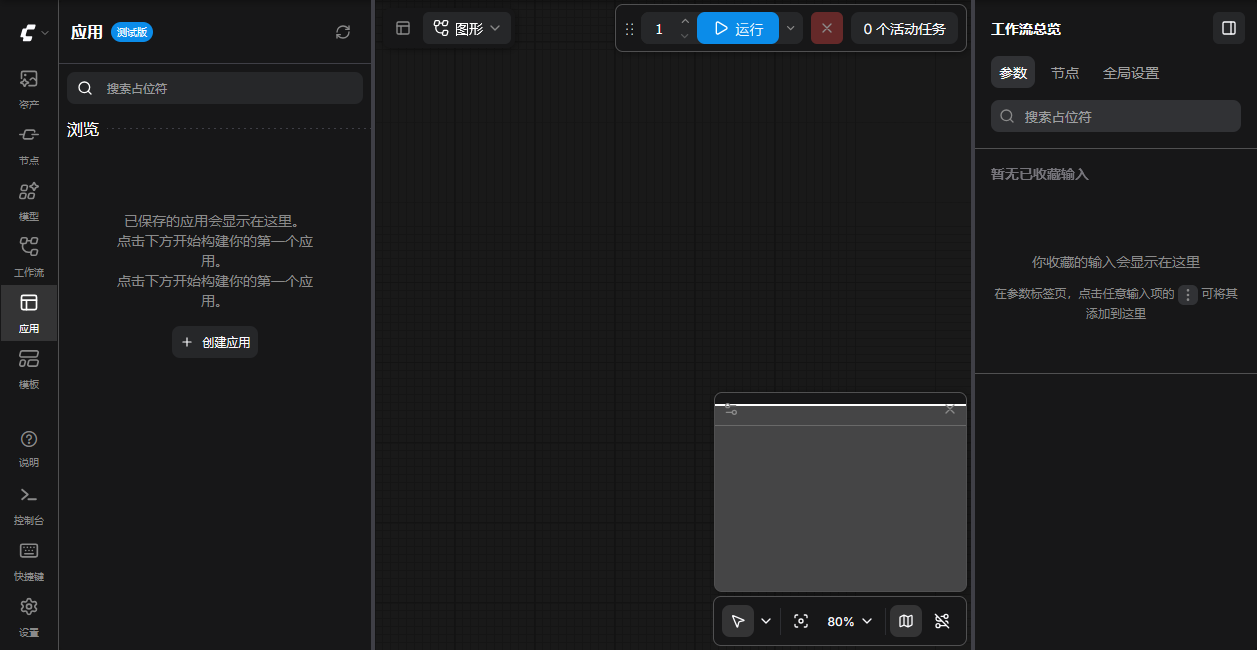
脚本执行完成后,会打开下面的页面,那么恭喜你🎉,安装完成!
问题一览
1.CUDA 识别失败 :cudaErrorNotSupported, likely using older driver
英伟达官网下最新 Game Ready 驱动(首选稳定版本:591.86):
👉 https://www.nvidia.com/Download/index.aspx
下载安装,重启电脑。
补充:
如何使用显示驱动程序卸载程序 (DDU) 卸载显卡驱动程序
https://www.intel.cn/content/www/cn/zh/support/articles/000091878/graphics.html
2.系统缺少运行库vc_redist
使用下面链接下载安装:
👉 https://aka.ms/vc14/vc_redist.x64.exe
下载后安装,完成后重启电脑。